01 / IMAGINE
Put it into words.
A setting, a feeling, a wild idea. Describe what you have in mind. The little details make it yours.
Meet your new creative superpower. Turn the ideas in your head into extraordinary images—with just a few words.
One creative tool. Endless possibilities.
A glimpse of where your imagination can go. Find a spark, try a prompt, and make it your own.
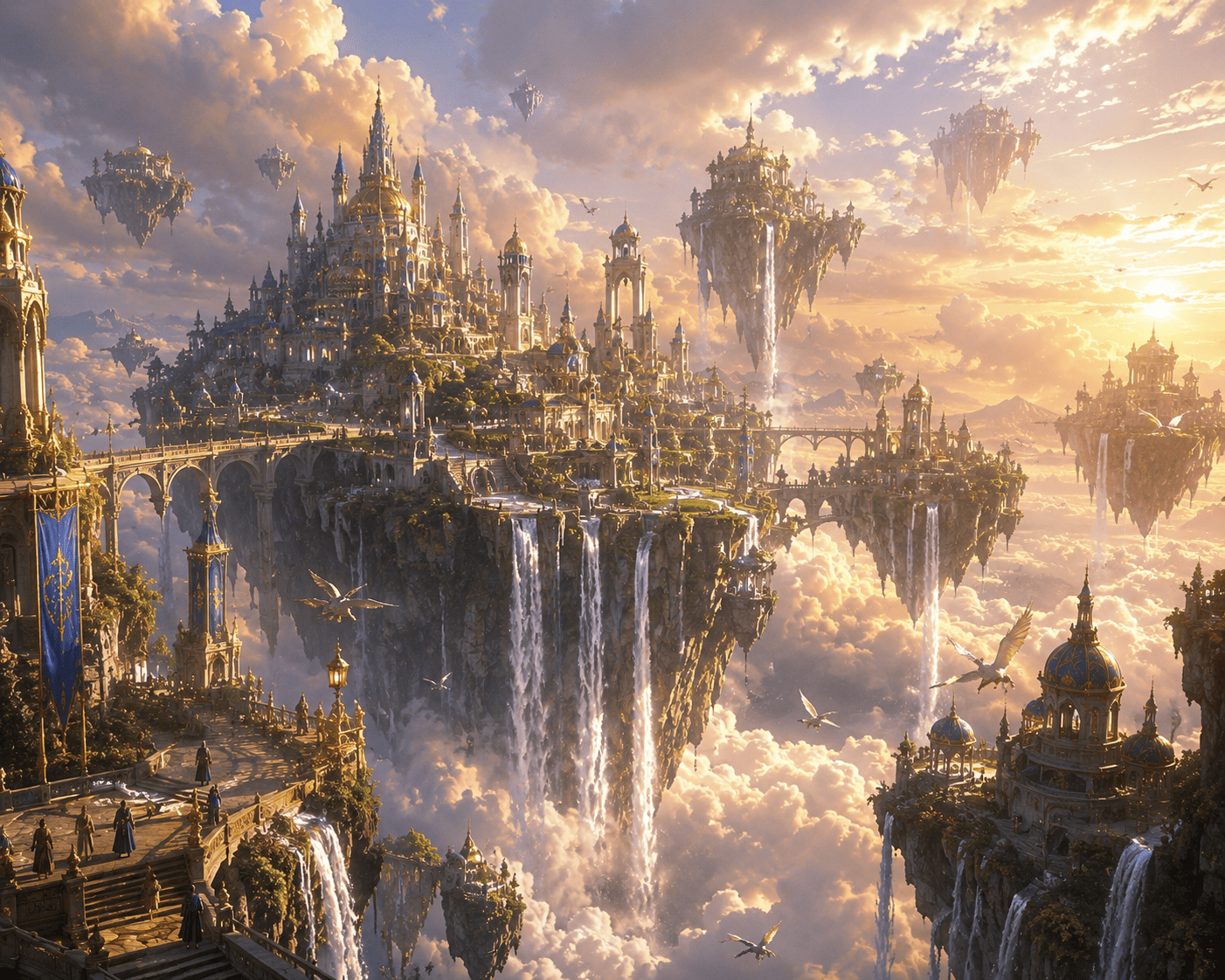
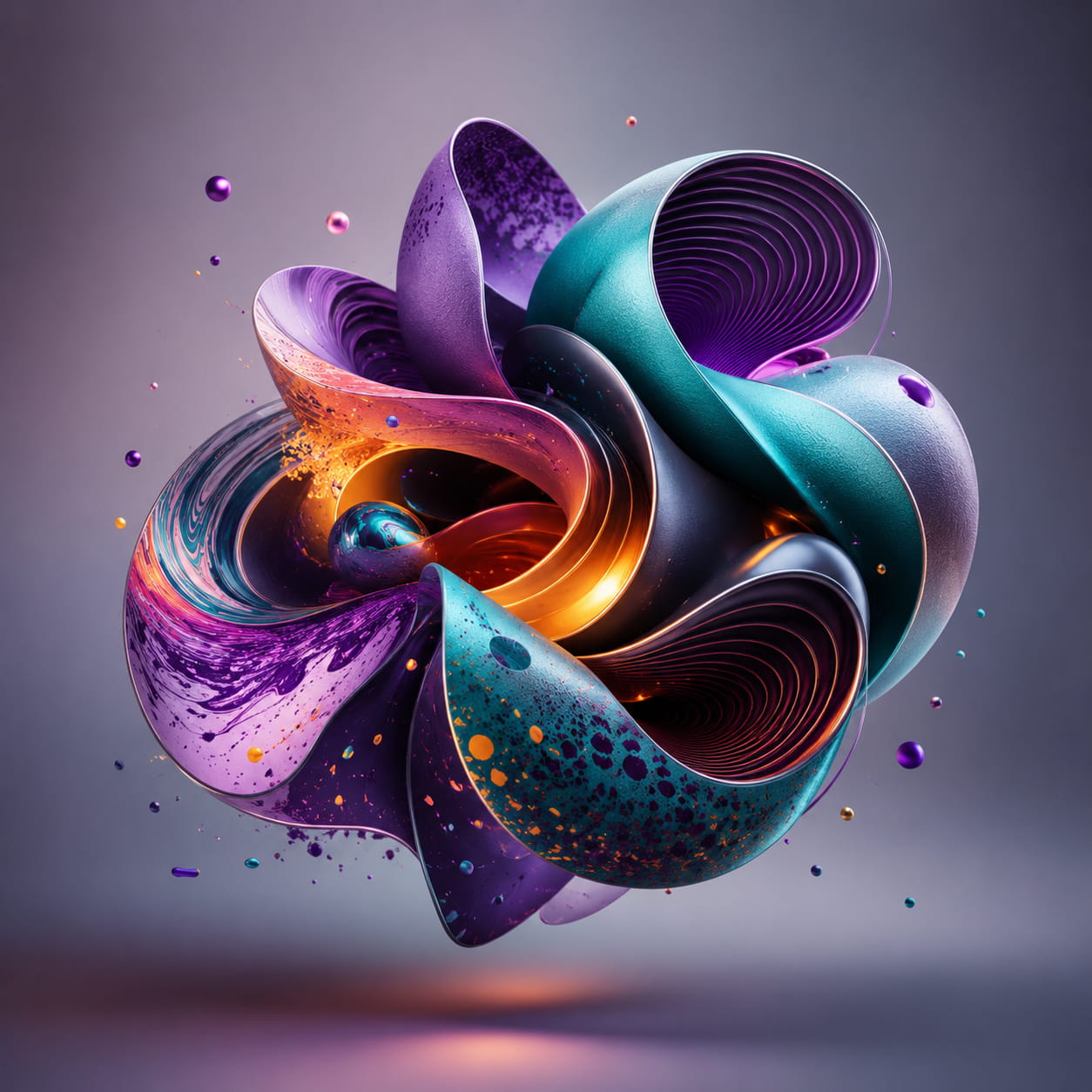
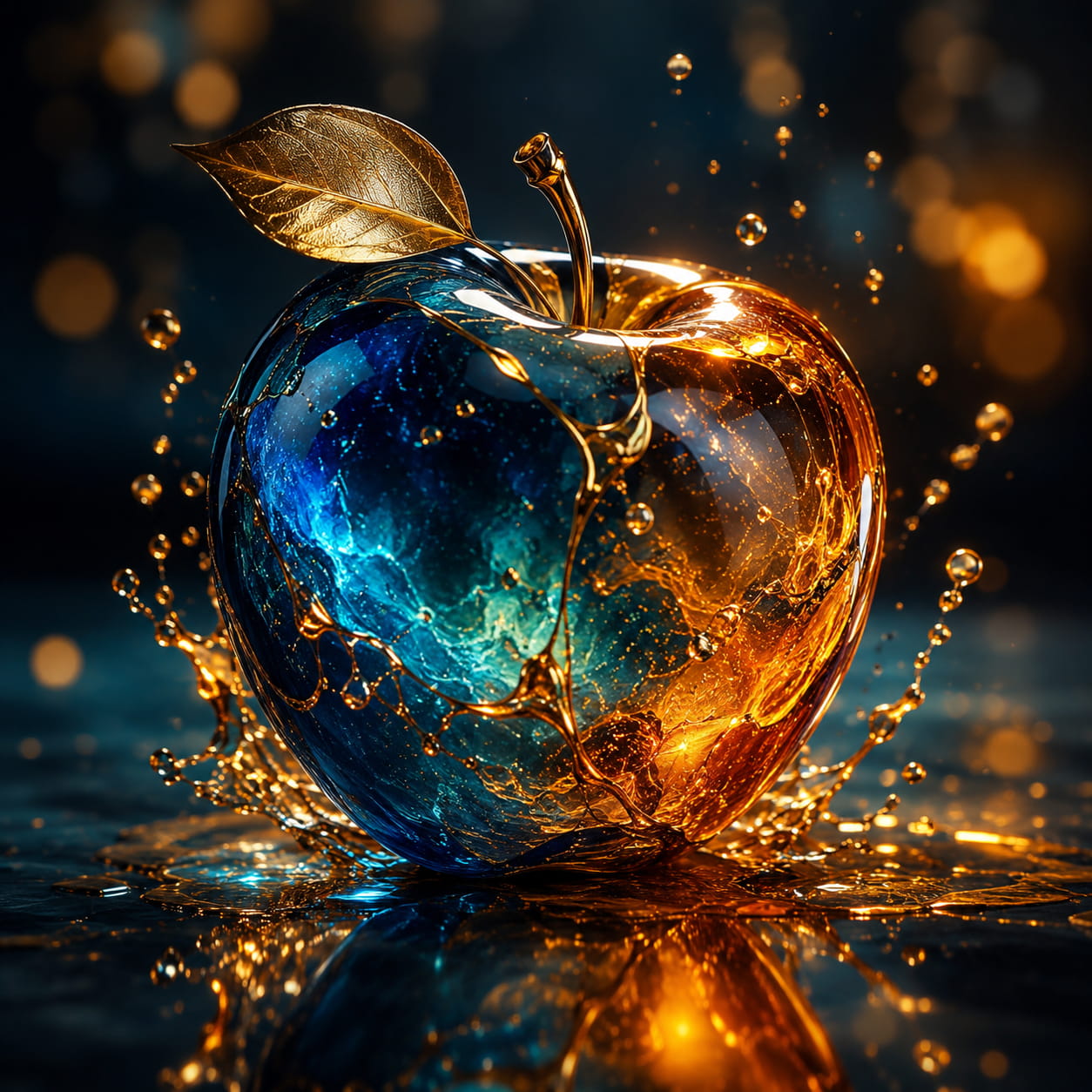
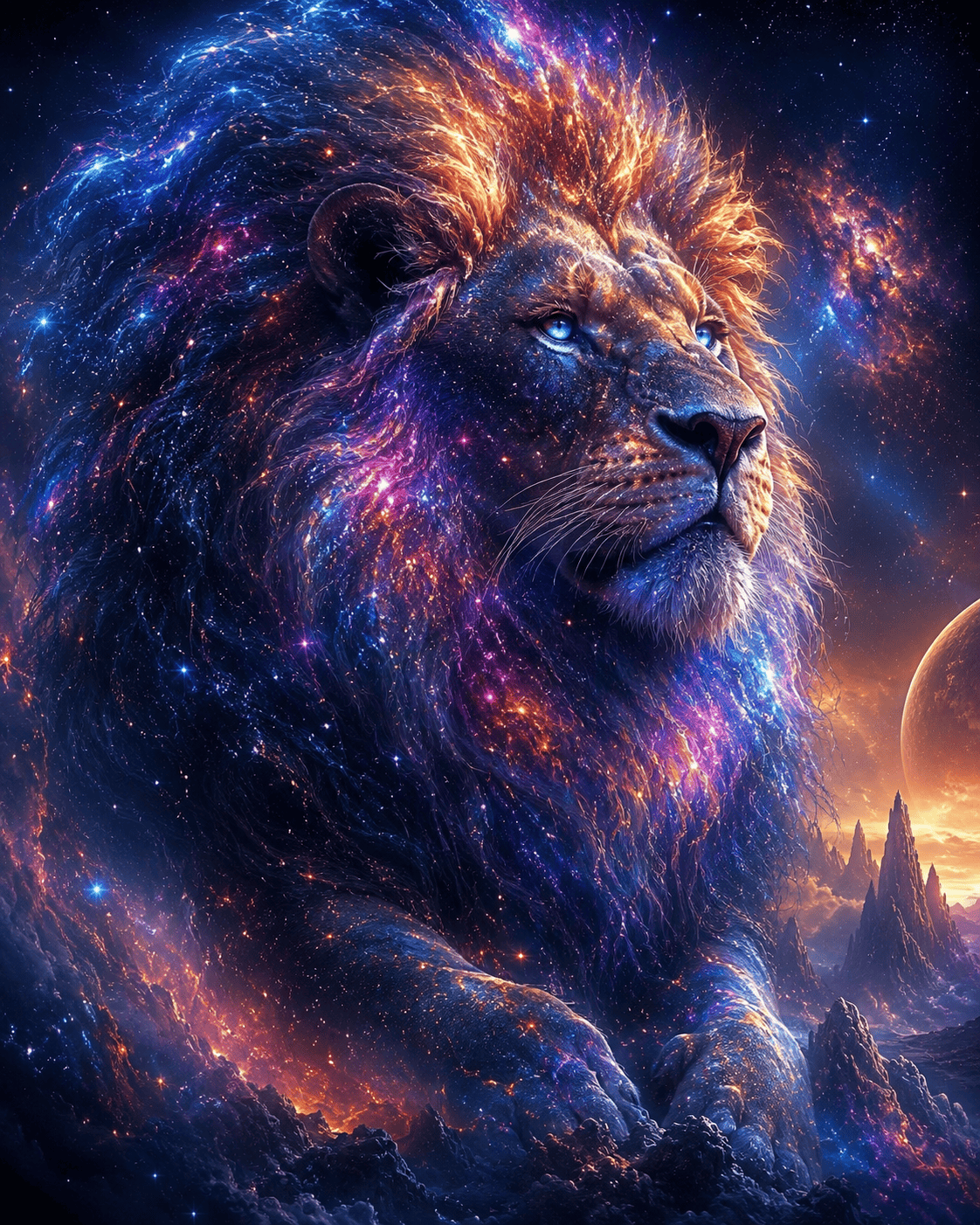
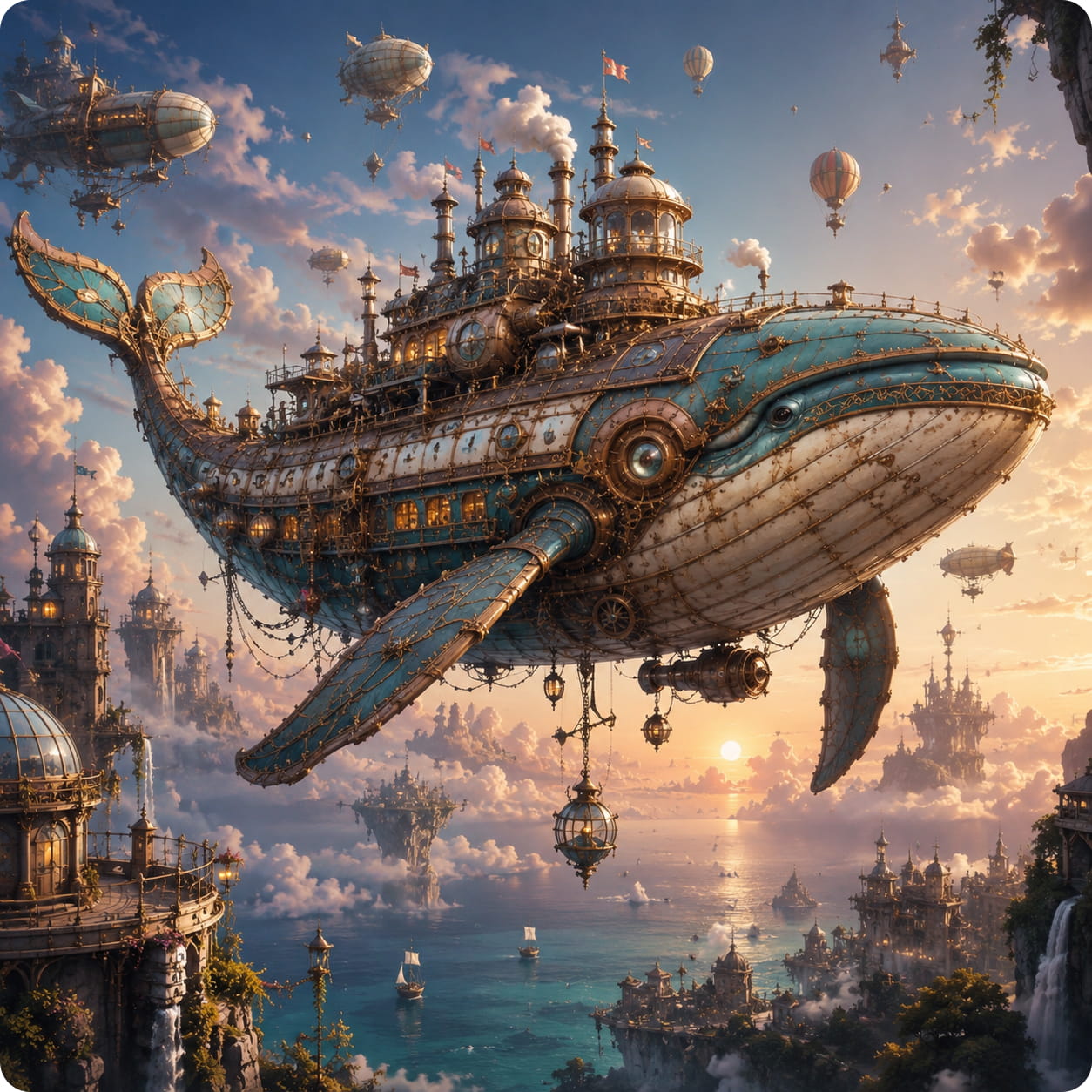
Describe your idea, choose a style and a format, and let the Studio bring it to life. Here's how a thought takes shape.
A brass airship sailing above a cloud city at sunrise, intricate steampunk details, warm golden light, cinematic concept art
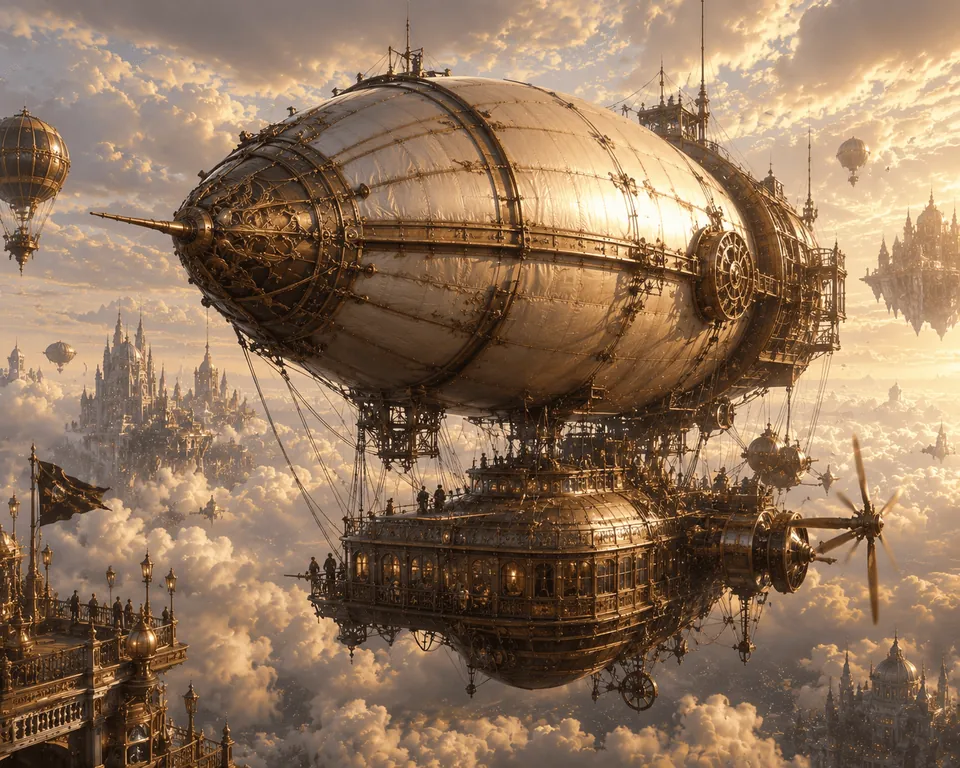
Illustrative preview with curated artwork. Every generation is unique.
A change of light. A burst of color. A new world of detail. Slide between two creative interpretations and see the difference.
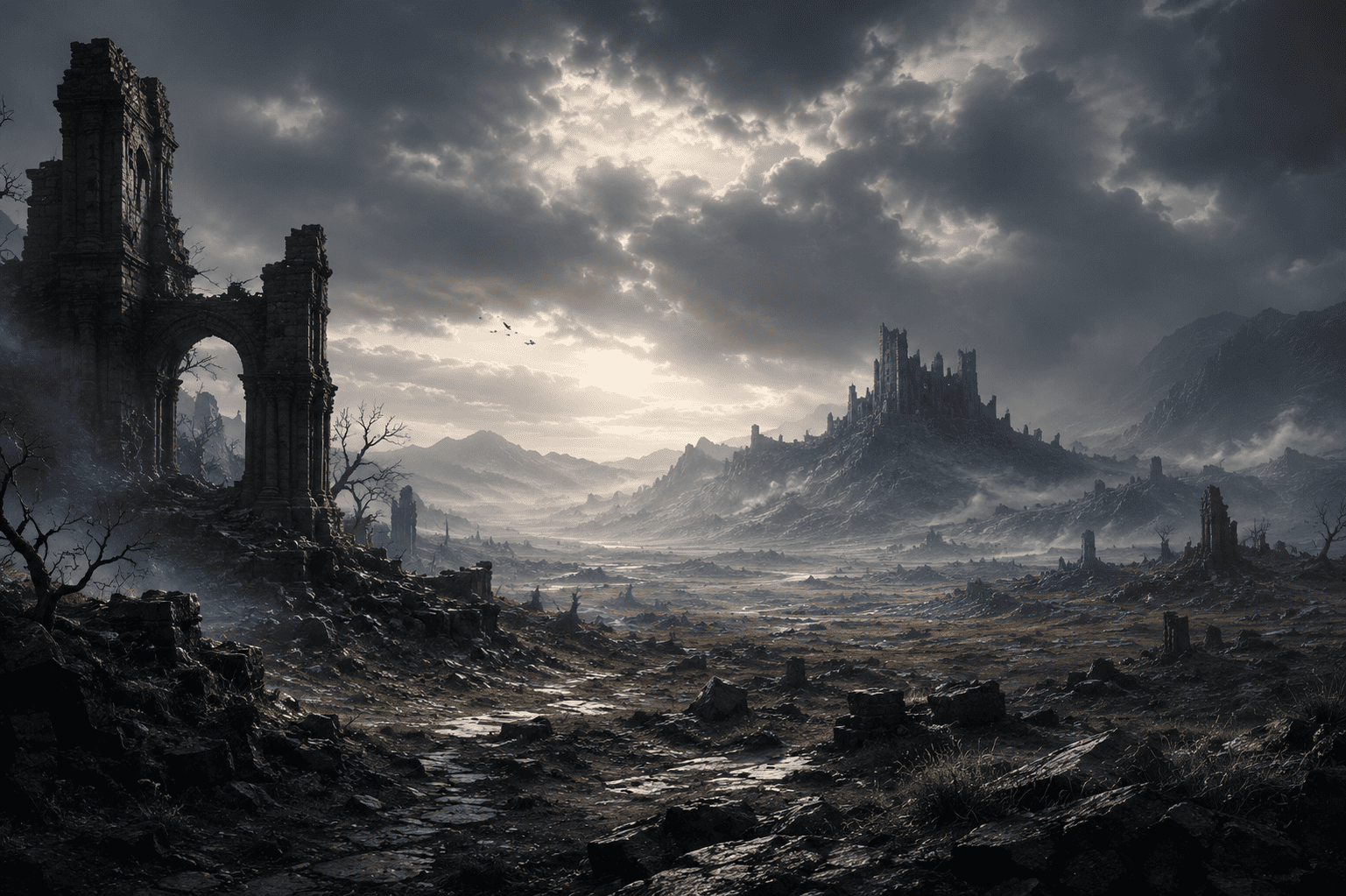
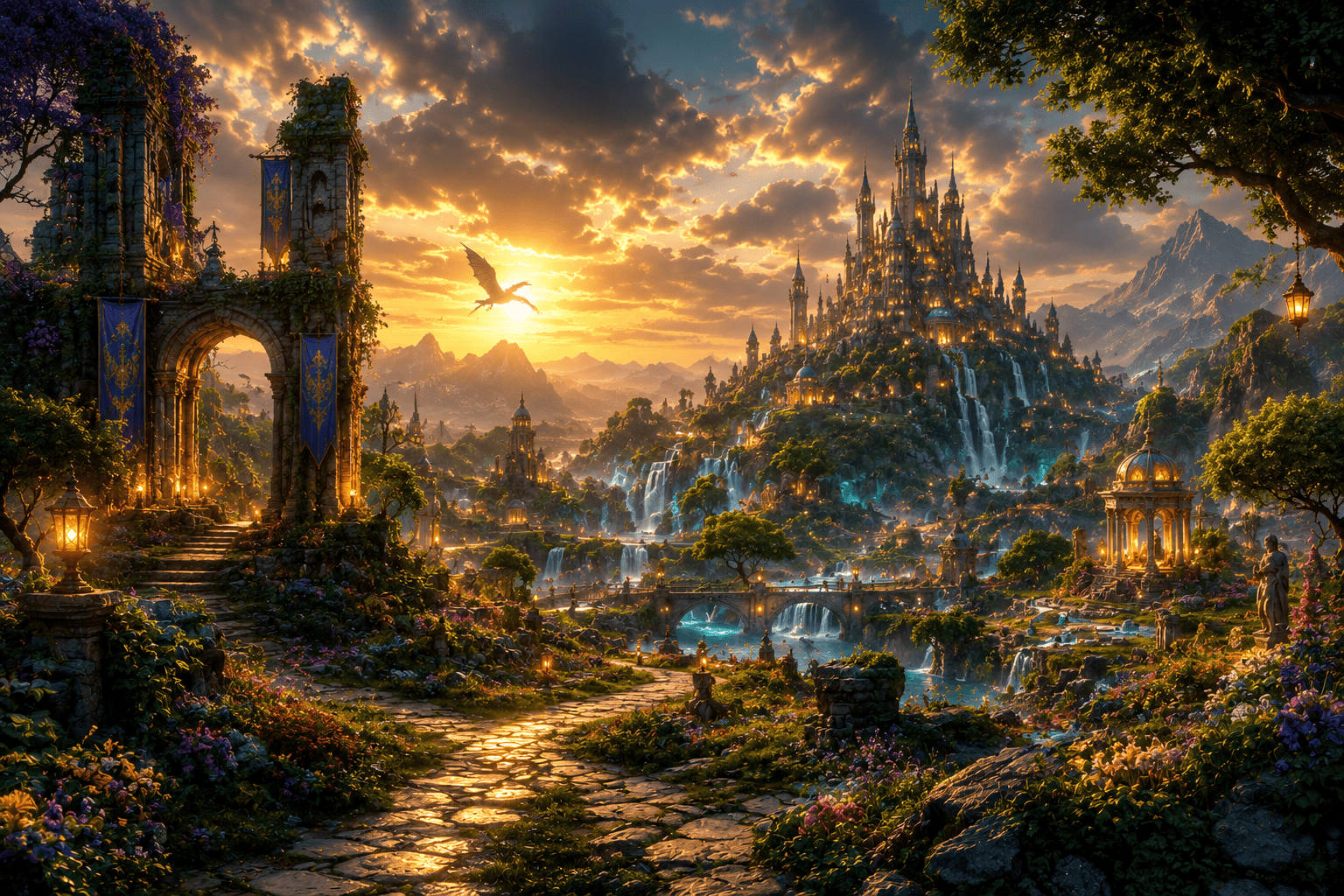 AfterBefore
Take your inspiration in a different direction. Describe the light, mood, palette, and details you want to explore.
A comparison of two illustrative artworks. Explore your own direction in the Studio.
A setting, a feeling, a wild idea. Describe what you have in mind. The little details make it yours.
Choose a vivid or natural look, set your image dimensions, and fine-tune the quality for your project.
Generate, explore, and download your image. Refine your prompt whenever inspiration takes a new turn.
Your ideas deserve more than another stock image. Build a visual world around your story, your style, and your next big project.
Start simply. Get more specific when inspiration strikes. A few thoughtful choices can take your image somewhere new.
A portrait for a post. A landscape for a new world. Choose the dimensions that suit your next project.
Find your formatBring an image alongside your words to guide the visual direction and explore a fresh interpretation.
Explore reference imagesAdjust quality and style in the Studio, then refine your prompt as your idea evolves.
Meet the StudioLight, atmosphere, color, and detail. Change the words and see how differently an idea can unfold. Pick a starting point that feels like you.
Curated inspiration examples. Your generated results will vary.
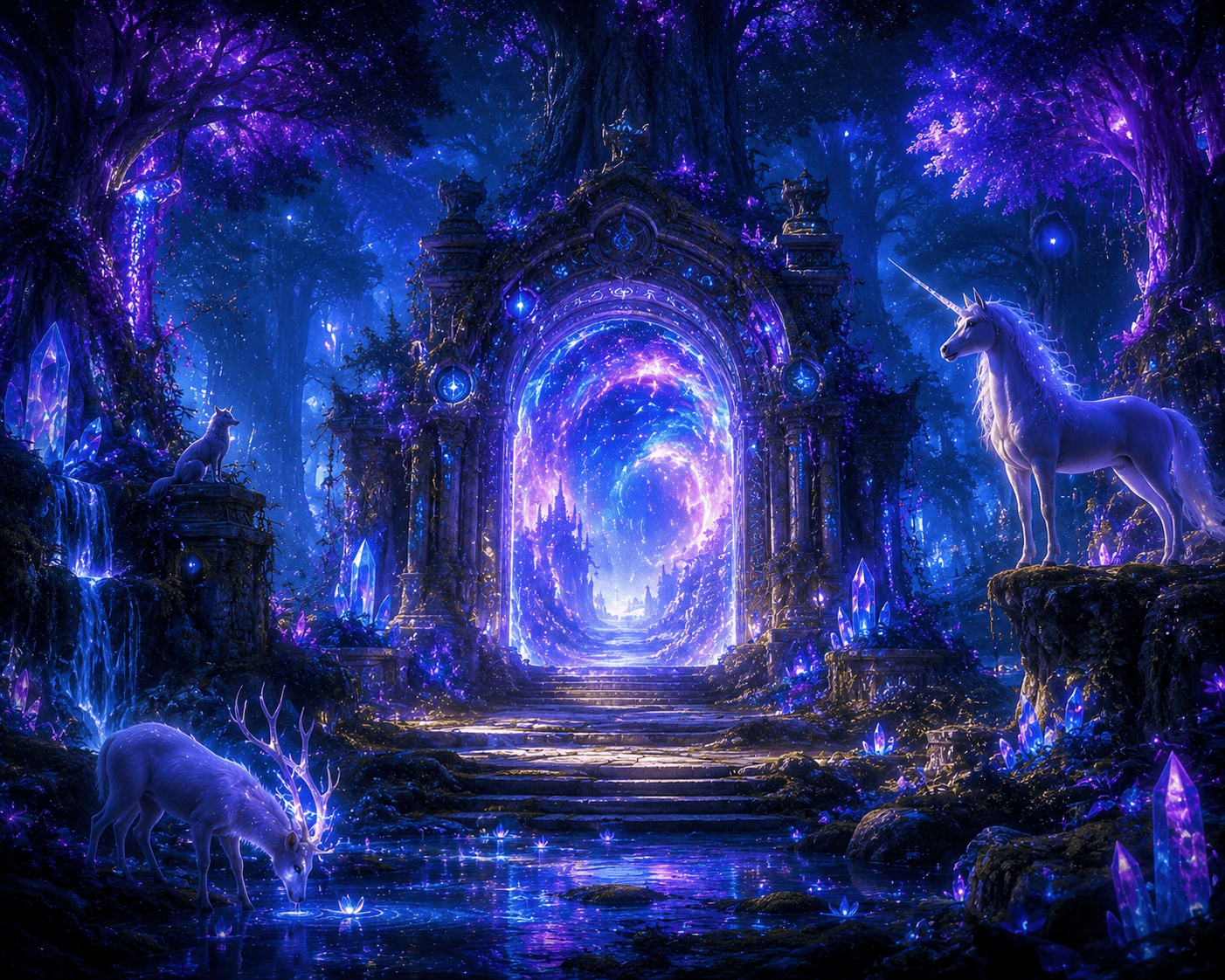
A secret doorway in an enchanted forest, violet light, luminous flowers, dreamy fantasy atmosphere
From a small personal project to a brand-new campaign, make room for visuals with a point of view.
Find a fresh look for your next post, cover, or visual story.
Make your feed feel like youExplore campaign concepts and visual directions before the big launch.
Give your next idea a lookImagine original product settings and a visual world around your brand.
Tell your own brand storyInvent characters, discover new worlds, or create just because you can.
Follow the unexpectedNo special language required. Start with what you see in your mind, then add the details that make it interesting.
“A tiny cabin beside a quiet lake, in soft morning mist, painted in gentle watercolor.”
What’s the main thing in your image? A person, a product, a place, or something entirely imagined.
Add color, light, and a feeling. Think “golden-hour warmth” or “quiet, misty blue.”
Change one detail at a time. The next version might take you somewhere you didn’t expect.
Pick a subject, a setting and a style. We'll stitch them into a prompt you can take straight to the Studio.
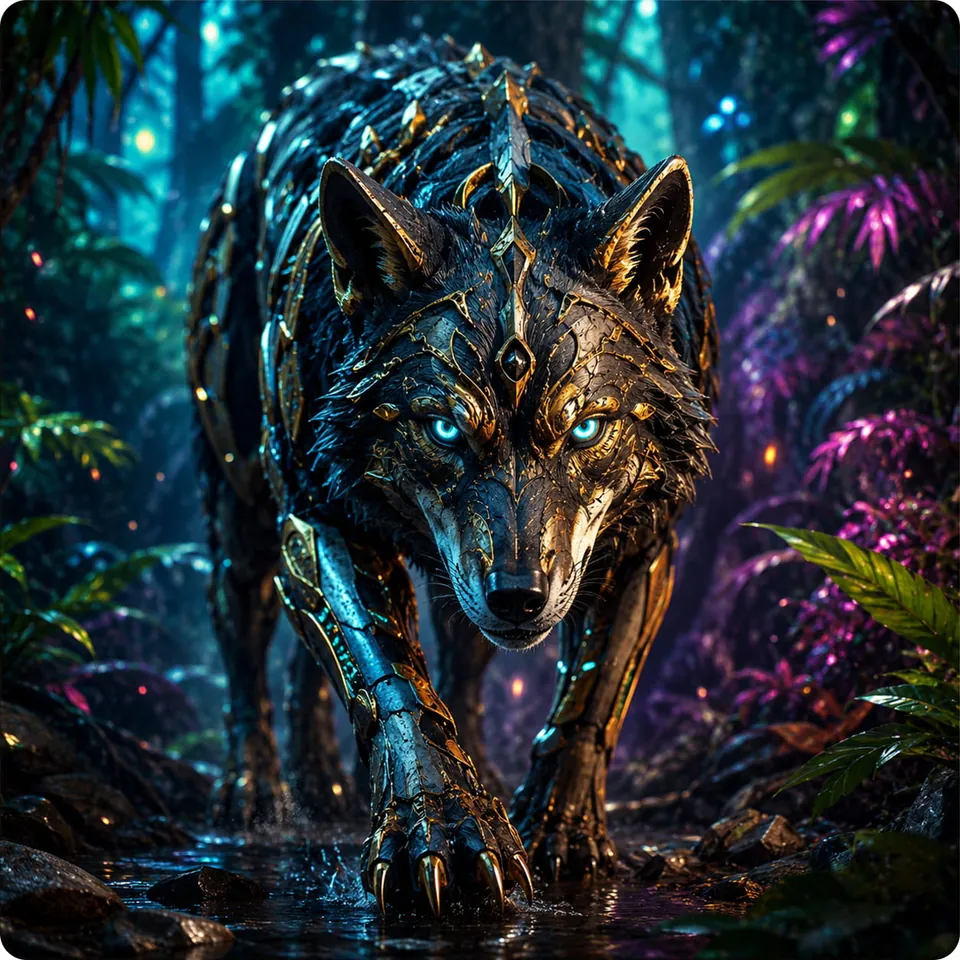
A lighthouse on a floating island at golden hour above the clouds, cinematic concept art
Style moods are curated examples. Your results will vary.
Explore practical guides, prompt-writing tips, and fresh ideas to get more from every image you create.
Learn how to shape a clear creative brief, avoid common prompt mistakes, and refine your ideas into high-quality AI images.
Read articleGive your images a stronger direction with practical tips for describing subjects, lighting, composition, and visual style.
Read articleNew to text-to-image AI? Follow a simple, step-by-step guide to writing your first prompt and improving your first creation.
Read articleHere are a few things you might be wondering before your first creation.
Ask us something elseTurn text descriptions into AI-generated images—from imaginative artwork to visual concepts for content, campaigns, and personal projects. Results depend on your prompt and chosen settings.
No. Start by describing your idea in everyday language. Add details about the subject, colors, composition, and style, then refine the prompt as you explore.
Create an account and choose a plan that suits your creative needs. Image generation uses credits based on your settings. Visit pricing for current plans and credit options.
Review our AI content licensing policy and terms for permitted uses. Always consider third-party rights when creating and publishing images.
Yes. The AI Studio supports reference images alongside your prompt, so you can guide your next creation with a visual starting point.
Start with your subject, then add a setting, atmosphere, colors, and a visual style. A description such as “a small cabin by a lake in soft morning mist, watercolor illustration” gives your idea a clear direction.
The Studio offers square, portrait, landscape, and automatic sizing. Pick a format that fits how you plan to use your image.
Yes. Use the download controls in your account to save your generated images. Check the licensing policy before publishing or using them in a commercial project.
No. AI-generated images can vary from one generation to another. Explore different wording and settings to refine your direction.
Visit our Contact page for questions about your account, plans, or the creative tools. Our journal also has ideas and guides to explore.
That idea you've been thinking about? Let's give it a little color, a little shape, and a whole new life.
Start your creative journey