AI Image Generator from Text: How to Turn Simple Prompts into High-Quality Images
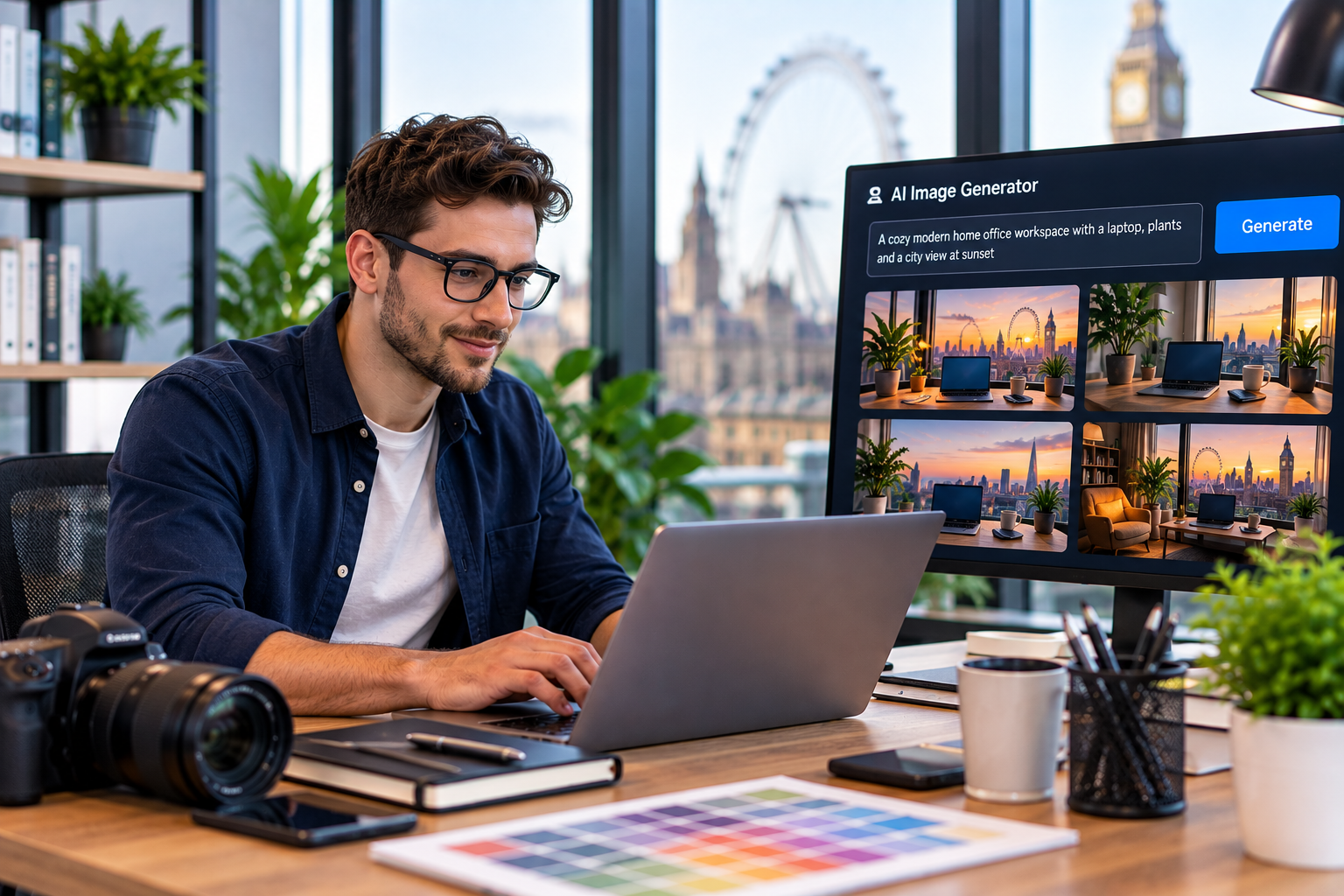
Your concept should not need a studio or hours of tweaking before it becomes visual. Today, an AI image generator from text can turn a few well-chosen words into polished artwork, campaign visuals, concepts, and scenes. The growing demand for faster visual creation reflects a bigger shift. The AI Image Generator Market is projected to grow from USD 8.7 billion in 2024 to USD 60.8 billion by 2030, expanding at a 38.2% CAGR during the forecast period. As this space grows, text to image AI is making visual experimentation more accessible to creators and businesses alike. The opportunity is learning to give words enough direction to produce intentional, high-quality visuals.
Start with a Clear Creative Direction
Before writing a prompt, pause for ten seconds. What should the viewer notice first?
- Subject: What is actually in the scene?
- Setting: Where is it happening?
- Mood: What should the image feel like?
- Visual language: Is it cinematic, minimal, playful, luxurious, or documentary?
- Composition: What should be close, distant, centered, cropped, or emphasized?
This planning step gives an AI image generator from text something more useful than “make a beautiful city.”
The second version gives the model a route and helps generate images from text with intent. This is where an AI image generator from text becomes more useful: direction replaces guesswork.
Build Your Prompt Like a Creative Brief
Strong AI visuals often come from prompts that behave like creative briefs. When you use text to image AI, arrange details in a logical order:
Main subject → environment → action → appearance → lighting → composition → style
Suppose you want an image of a traveler. “Traveler in mountains” establishes the concept, but leaves almost everything open. A stronger prompt could describe a lone traveler in a red jacket beside a misty alpine lake, early morning light, distant peaks, medium-wide framing, realistic outdoor photography.
That extra direction helps you generate images from text with fewer surprises. Clear instructions also make an AI image generator from text easier to refine.
Choose Useful Details over Extra Adjectives
Adding fancy adjectives does not automatically improve a prompt. Words should earn their place. A focused text to image AI prompt usually beats a crowded one.
Instead of “stunning, breathtaking, gorgeous fantasy castle,” try: “Ancient stone castle above a fog-covered valley, narrow towers, overcast morning, moss-covered walls, moody cinematic lighting.”
The second description gives visual information rather than applause.
Avoid Common Prompt Mistakes
A disappointing result does not always mean the generator failed. Sometimes the prompt asks for too much.
Watch for these issues:
- Conflicting styles, such as “minimalist” and “extremely detailed.”
- Unclear subjects with no obvious focal point.
- Long lists of unrelated objects.
- Missing relationships between people, products, and environments.
- Vague requests for “professional” without visual clues.
- Too many changes between attempts.
A smarter approach is to change one variable at a time. If the subject works but lighting feels dull, revise lighting rather than rewriting everything. This makes it easier to generate images from text consistently. That makes text to image AI experimentation faster and more predictable.
Refine Your Image One Step at a Time
The first generation is a draft, not a final exam. Use text to image AI as an iterative sketchbook rather than a one-shot machine. Imagine creating a skincare campaign image:
- Create the initial product scene.
- Check whether the product is visually dominant.
- Adjust the background if it competes for attention.
- Refine lighting to match the brand mood.
- Try another composition.
- Polish the strongest direction.
This is where Textpixora becomes useful. You can turn an initial idea into a visual, generate images from text quickly, then edit, customize, and refine the result without rebuilding the entire process.
Match Your Visual to Its Purpose
For marketing, clarity may matter more than complexity. For digital art, imagination can lead.
A text to image AI workflow can explore several directions quickly. With an AI image generator from text, the prompt becomes a flexible creative brief.
AI produces the pixels, but creators decide what deserves attention, emotion, and audience fit.
When you generate images from text, you direct a visual experience, not merely list objects. That human judgment is what turns a technically successful result into a useful creative asset.
Keep Your Creative Workflow Simple
Creative work moves quickly, and complicated pipelines can drain momentum. Textpixora keeps the process approachable: describe an idea, generate images from text, then edit, customize, and refine the result as needed.
The value is noticeable when exploring directions. An AI image generator from text paired with text to image AI also lets you test visual directions before committing to a larger workflow.
Turn Your Next Idea into an Image
Turning words into strong visuals is less about a magical sentence and more about giving an image purpose. Define the subject, build the setting, establish the mood, and refine the details that matter. With an AI image generator from text, a simple idea can become a polished visual through focused iterations.
If you want a faster way to generate images from text, use Textpixora and see how far a well-directed prompt can take you. The first image may surprise you; the second teaches you something.
Frequently Asked Questions
What is an AI image generator from text?
An AI image generator from text is a tool that creates images based on written instructions. You describe a subject, scene, style, or visual concept, and the AI interprets the prompt to produce a corresponding image.
How does text to image AI work?
Text to image AI uses machine-learning models trained on large collections of visual and textual information. The system interprets the words in a prompt and generates visual elements that match the requested subjects, relationships, styles, and characteristics.
How can I generate images from text?
To generate images from text, start with a clear subject, then describe the setting, mood, appearance, lighting, and composition. Keep the instructions specific, generate an initial result, review it, and refine the prompt based on what you want to change.
What makes a good AI image prompt?
A good prompt gives the AI clear visual direction without unnecessary clutter. Useful details include the main subject, environment, action, lighting, perspective, composition, mood, and visual style. Specificity usually helps text to image AI produce more controlled results.
Can an AI image generator create realistic images?
Yes. Modern AI image generator from text tools can create highly realistic scenes by interpreting details such as lighting, textures, perspective, materials, facial characteristics, and photographic composition. Results depend on the model, prompt quality, and visual direction.