How to Write Better Prompts for an AI Image Generator from Text
Thoughtful AI prompt writing makes every instruction work harder. Unlike, it’s 11:47 p.m. A designer needs one final campaign visual. A quiet rooftop café, light rain, warm window glow, and a city disappearing into mist. The prompt goes in. What comes back? Blazing sunshine, floating coffee cups, and architecture that appears to have lost an argument with gravity.
That gap between intention and output explains why prompt skills are becoming increasingly valuable. The global prompt engineering market was valued at USD 222.1 million in 2023 and is projected to grow from USD 893.7 million in 2026 to USD 2,060.8 million by 2030, reflecting a CAGR of 32.8% from 2024 to 2030.Well-crafted AI image prompts give direction without suffocating creativity. Strong text to image prompts help define subjects, composition, lighting, style, and atmosphere. With Textpixora, learning that balance can turn unpredictable generations into visuals that feel far closer to what you actually intended.
Start with One Clear Subject
Before typing, decide what the image is about. Many weak AI image prompts begin as disconnected ideas: “city, futuristic, luxury, cinematic, blue, dramatic.” The generator sees ingredients, not a finished dish. Start with a subject plus an action or setting. Instead of “futuristic city,” try “a cyclist crossing a rain-soaked futuristic street at midnight.” Now the scene has a subject, place, movement, and time.
This clarity strengthens text to image prompts because the central idea appears early. Good AI prompt writing starts with one test: if someone had five seconds to sketch the scene, what must they know first?
Build Your Prompt in Layers
Once the core idea is clear, add details in layers. Think like an art director, not a thesaurus experiencing a crisis.
Use this order:
- Subject: who or what appears
- Setting: where the scene happens
- Composition: angle, framing, distance, or focal point
- Style: realistic, editorial, watercolor, 3D, minimalist, or surreal
- Atmosphere: lighting, palette, weather, texture, and mood
This structure makes AI image prompts easier to control and keeps text to image prompts readable. Strong AI prompt writing is organized description, not a contest to squeeze fifty artistic terms into one box.
Combine them: “A handcrafted ceramic coffee cup on a sunlit wooden table, close-up at eye level, shallow depth of field, premium lifestyle photography, warm morning light, soft beige tones.”
Specific AI image prompts reduce guesswork. Structured text to image prompts make revisions easier because you can see which element needs changing. That is where AI prompt writing becomes practical.
Give Composition and Focus a Direction
A generator cannot know which detail deserves attention. If the red umbrella matters, call it the focal point. If a product label should face forward, say so. If a person should appear tiny against a huge landscape, describe that scale.
Useful directions include:
- “centered composition with generous negative space”
- “low-angle view emphasizing the building height”
- “sharp focus on the watch, softly blurred background”
- “wide shot showing the full mountain range”
These details make AI image prompts more intentional and help text to image prompts communicate hierarchy.
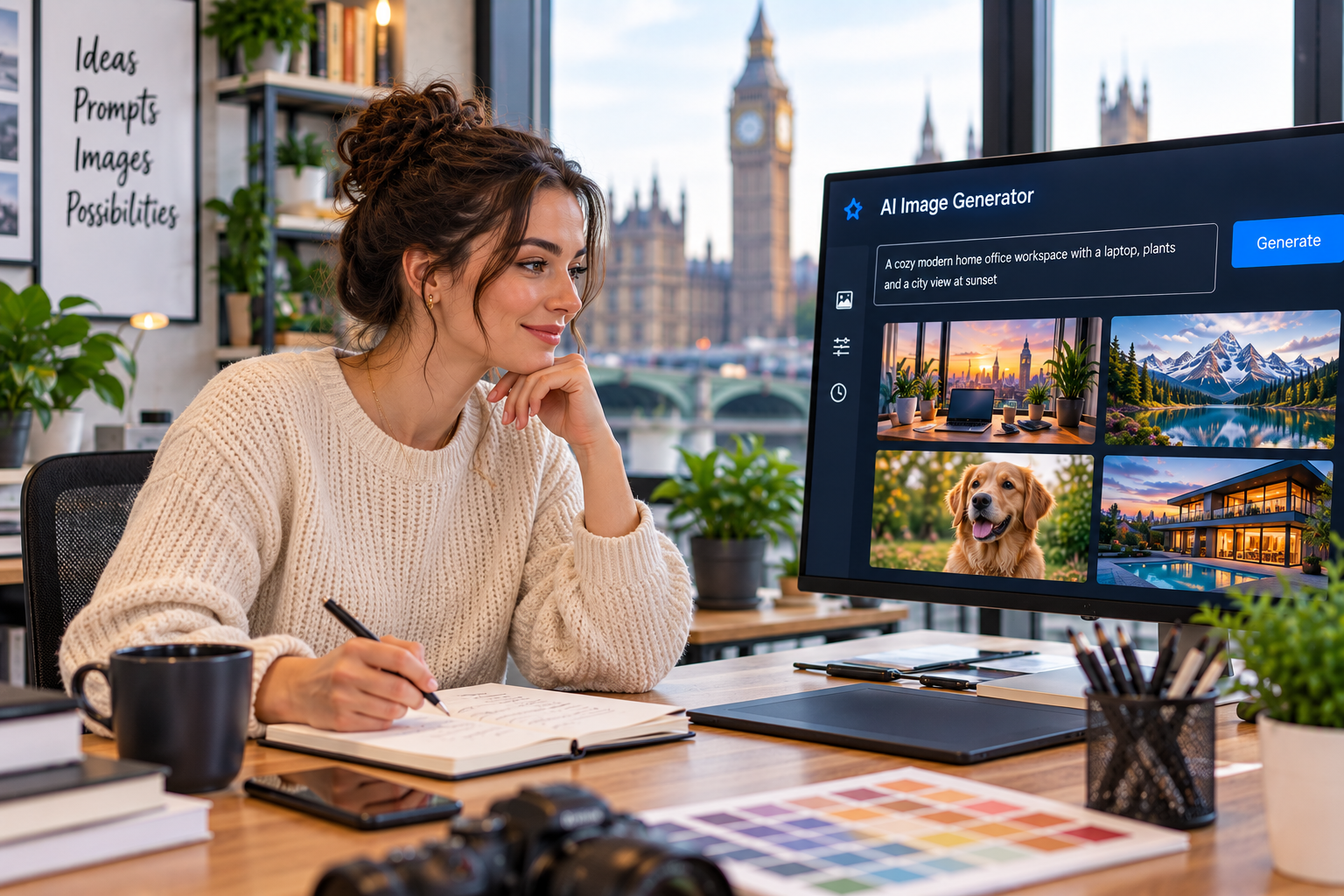
Textpixora lets you generate a visual, then edit, customize, and refine it instead of chasing perfection in one attempt. Have a concept? Turn it into an image and adjust the details until the result matches the picture in your head.
Describe Style, Lighting, and Color
Instead of “cinematic portrait of a chef,” try: “editorial portrait of a chef in a stainless-steel kitchen, dramatic side lighting, natural skin texture, muted charcoal and warm copper palette.” Better AI image prompts describe what creates the look rather than relying only on a style name. This is useful AI prompt writing: translate taste into visible characteristics.
Color deserves the same treatment. “Bright” is vague. “Coral, turquoise, and warm cream” is visual. “Deep navy shadows with amber highlights” gives the generator something concrete.
Remove Unnecessary or Conflicting Details
More words do not automatically create a better image. Consider: “a realistic minimal futuristic vintage luxury bedroom, colorful monochrome, bright dark lighting.” Clean text to image prompts make deliberate choices. Pick the strongest style, mood, and lighting direction, then remove details that do not support them.
Ask, “Would the image visibly change if I removed this phrase?” If not, delete it. The best AI image prompts feel simple because every word earns its place.
Refine One Part of the Prompt at a Time
When a result misses the mark, resist rewriting everything. Change one category first. If the subject is right but the scene feels flat, adjust lighting. If composition is wrong, change framing. If the background distracts, simplify it. This makes text to image prompts easier to troubleshoot. It also strengthens AI prompt writing because you learn which instruction caused each visual change.
- Generate the first image.
- Identify the biggest mismatch.
- Edit one or two details.
- Generate again.
- Keep what works and refine the next issue.
With AI image prompts, iteration is not failure; it is art direction.
Avoid Common Prompt-Writing Mistakes
Conflicting instructions create confusion. “Minimalist” and “packed with intricate background objects” pull in opposite directions. Vague words such as “amazing” and “stunning” also waste space when lighting, texture, color, or framing could say more. Consistent AI prompt writing turns random experimentation into a repeatable creative workflow.
Put Your Prompt Framework into Practice
AI prompt writing is mostly about making better decisions before you click generate. Start with a clear subject, add the setting, define composition, choose a style, describe the atmosphere, and refine only what needs fixing. Well-built AI image prompts give the generator a clearer path to your intended result.
Strong text to image prompts also make creative work faster because you spend less time guessing and more time shaping. Ready to use the framework? Try Textpixora for your next visual, then edit and refine it until the screen matches the idea in your head.
Frequently Asked Questions
How do I write better AI image prompts?
Start with the subject, then add the setting, composition, style, lighting, color, and mood. Keep instructions clear and visually specific. Effective AI image prompts focus on details that can appear in the final image.
What should I include in a text to image prompt?
Include the subject, environment, viewpoint, framing, artistic style, lighting, color palette, and important visual relationships. Add only details that meaningfully affect the scene.
Are longer prompts always better?
Not necessarily. Longer prompts help when extra words add useful visual information, but unnecessary or conflicting details may reduce consistency. Clear instructions usually matter more than length.
How can I improve an image that does not match my prompt?
Identify the biggest problem, then revise that part of the prompt. Adjust the subject, composition, lighting, style, or background one step at a time instead of rewriting everything.
What is a reliable structure for AI prompt writing?
A reliable structure is subject, setting, composition, style, and atmosphere. Put important information early, use concrete visual language, and keep secondary details consistent with the main creative direction.