Text to Image AI for Beginners: A Complete Guide to Creating Your First Image
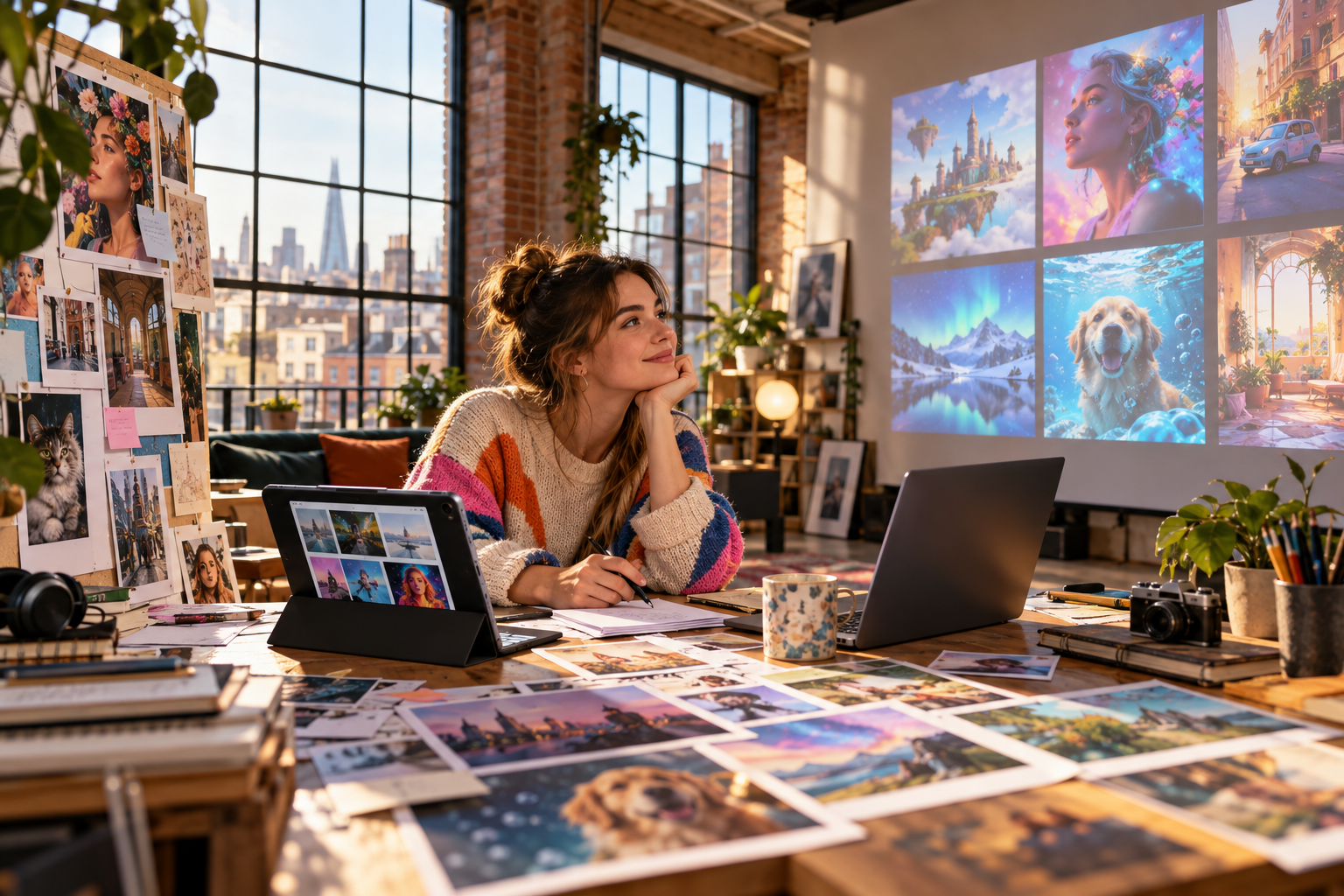
Your first experiment with text to image AI creation might start with something simple. You need a cozy reading nook for a mood board, but every stock photo feels staged, repetitive, or suspiciously committed to beige furniture. So you describe the scene, click generate, and suddenly a visual that did not exist seconds ago is sitting on your screen.
That small moment is where an AI image generator for beginners starts making sense. You are not drawing, compositing, or learning complicated software. You are describing. The process feels surprisingly approachable. Once you learn how to create AI images from text with clear instructions, you can move from rough ideas to customized visuals for campaigns, social posts, presentations, or personal creative projects. The global AI text-to-image generator market is forecast to grow by USD 1.56 billion between 2024 and 2029, accelerating at a CAGR of 34.5% during the period. As adoption expands, understanding, this is becoming an increasingly useful creative skill. With Textpixora, you can learn to create AI images from text, refine the results, and turn simple descriptions into visuals shaped around your own creative direction.
What Is Text to Image AI?
At its simplest, text to image AI turns written descriptions into visual outputs. The tool does not read your mind. If you type “a nice café,” it must decide whether the café is modern, vintage, sunny, crowded, or moody. Useful detail gives you more control.
That is why an AI image generator for beginners is less about technical expertise and more about describing what you want.
Build Your First Prompt
A good prompt does not need secret code. A clear sentence works better than a paragraph stuffed with random artistic vocabulary.
Start with four building blocks:
- Subject: what should appear
- Setting: where it happens
- Style: how it should look
- Mood: how it should feel
For example: “Small reading nook beside a rainy window, warm lamp light, cozy editorial photography, soft brown and cream colors.”
When you create AI images from text, clarity beats complexity. Think of your prompt as a short creative brief.
Combine it: “A handmade ceramic vase on a wooden shelf, lifestyle photography, soft morning sunlight, calm natural mood.”
With text to image AI, start simple and add detail gradually. That shows you which additions influence the result.
Understand How Details Shape the Image
Text to image AI reacts differently to prompt details.
“A dog” leaves plenty of room for interpretation, while “a golden retriever puppy wearing a blue raincoat” narrows the possibilities. Composition terms like “close-up,” “wide shot,” “top-down view,” or “centered composition” control framing. Lighting changes character, while style determines whether the result resembles watercolor, editorial photography, 3D art, or cinematic realism.
An AI image generator for beginners becomes useful quickly because you can change one detail and see what it does. Text to image AI rewards that kind of focused experimenting.
Improve the Result One Change at a Time
Instead of rewriting everything, identify the biggest problem. Busy background? Simplify it. Harsh light? Request softer lighting. Distant framing? Ask for a close-up.
This one-change-at-a-time method makes text to image AI easier to understand because each edit becomes a visible lesson.
Textpixora lets you generate, edit, customize, and refine a visual as your idea develops. If you want to create AI images from text, begin with one uncomplicated scene and improve it.
Common Beginner Mistakes to Avoid
A few habits create unnecessary confusion:
- Avoid vague words such as “beautiful” without explaining what they should look like.
- Do not stack contradictory styles such as “minimalist, crowded, simple, highly detailed.”
- Avoid changing ten prompt elements after one disappointing result.
- Specify subject placement when it matters.
- Do not expect every first generation to match your mental picture exactly.
A useful AI image generator for beginners should support experimentation, not require a decoder ring. Better AI-generated visual results usually come from small, deliberate prompt changes. When you create AI images from text, those adjustments teach you more than dramatic rewrites.
Compare a Basic Prompt with a Better One
Basic prompt: “Woman working at laptop.”
Improved prompt: “Freelance designer working on a laptop beside a large apartment window, morning sunlight, indoor plants, natural lifestyle photography, relaxed creative atmosphere.”
The improved version adds location, lighting, style, and mood. It is not complicated; it is specific.
Use comparisons like this to study text to image AI. Notice which words alter composition, color, or mood, then keep what moves the image in the right direction.
Everyday Uses for AI-Generated Images
An AI image generator for beginners can support everyday creative work:
- social media concept visuals
- blog illustrations
- marketing mood boards
- presentation backgrounds
- product concept scenes
- digital artwork
- campaign mockups
Instead of searching endlessly for an almost-right visual, you can create AI images from text that sit closer to your brief.
Experiment to Build Your Prompt Vocabulary
Generate the same room at sunrise and midnight. Keep the subject but change the art style. Try a close-up, then a wide shot. Switch warm colors for cool ones.
Text to image AI experiments help build your prompt vocabulary. You may discover that “soft diffused daylight” works better for your taste than “bright light.”
Learning with an AI image generator for beginners gets easier when curiosity does the heavy lifting. The more often you create AI images from text, the faster you recognize which instructions deserve space in a prompt.
Create Your First Image with Confidence
You do not need advanced design knowledge to begin. You need a clear subject, useful details, and enough patience to refine what comes back. The best way to learn text to image AI is to experiment, compare, and gradually add more control. Once subject, style, composition, lighting, and mood work together, you can create AI images from text with far more confidence. As an AI image generator for beginners, Textpixora keeps the process approachable by helping you generate, edit, customize, and refine visuals without turning creativity into a technical project.
If you are ready to test your first prompt, use Textpixora to create AI images from text and shape the result until it feels like yours. Your first image does not need perfection; it needs to teach you what to try next.
Frequently Asked Questions
How can beginners create AI images from text?
Beginners can describe the subject, setting, style, lighting, and mood. Generate the result, review it, then refine one or two details at a time.
What should I type into an AI image generator?
Type a clear visual description covering the subject, setting, style, lighting, colors, composition, and mood. Specific details usually produce more controlled results.
Can I use an AI image generator without design experience?
Yes. You do not need drawing or professional design experience. Clear instructions and a willingness to experiment are enough to begin with an AI image generator for beginners.
How long does it take to generate an AI image?
Generation time varies by platform, prompt complexity, and demand, but many tools can produce images within seconds or a few minutes. Refining may take additional time.
How can I improve my results as a beginner?
Use clear descriptions, avoid conflicting instructions, specify composition and lighting, and change one variable at a time. Practice helps you learn which details produce the look you want.